Making a Flyer
Tools
You can use various digital or physical media to create the flyer. E.g.
- Canva
- Google Slides or PowerPoint
- Photo editing tools like Photoshop or Paint.NET
- Using paper, pen, markers, etc.
- Figma (advanced tool)
Please ensure that you use royalty-free or public domain images.
Content of the Flyer
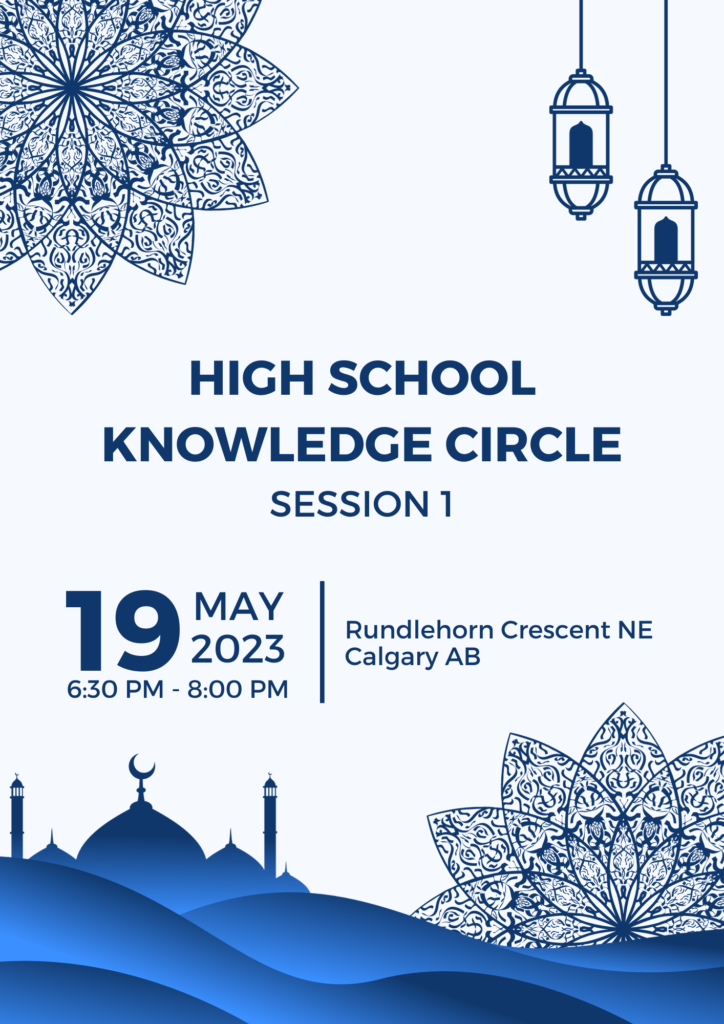
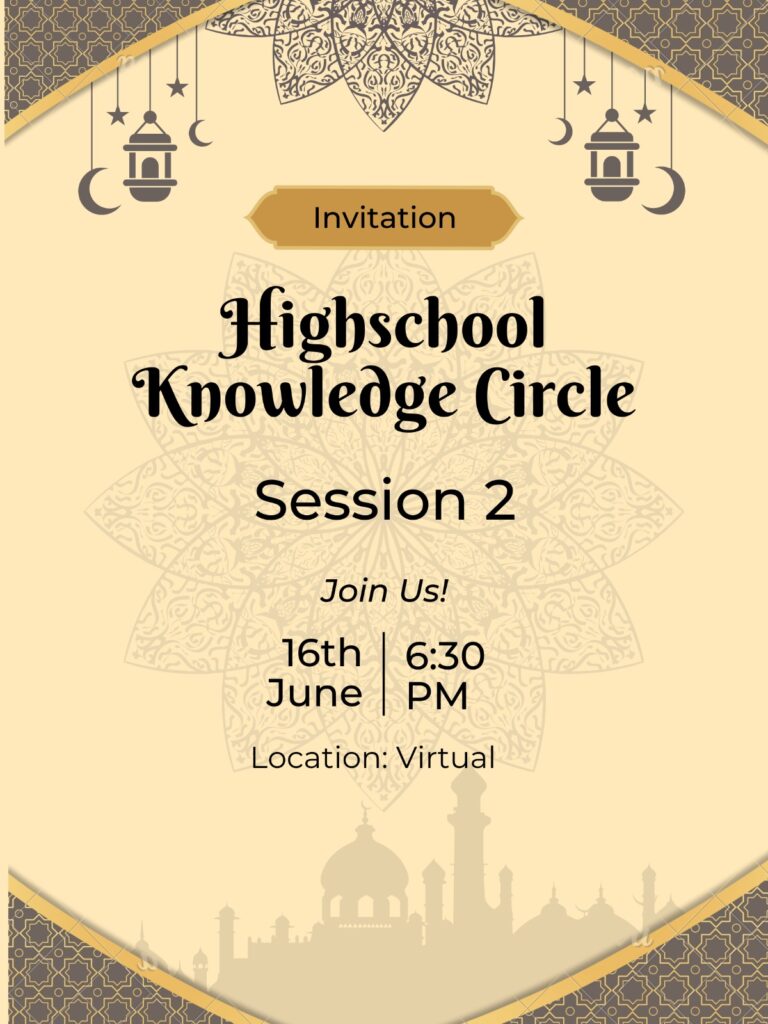
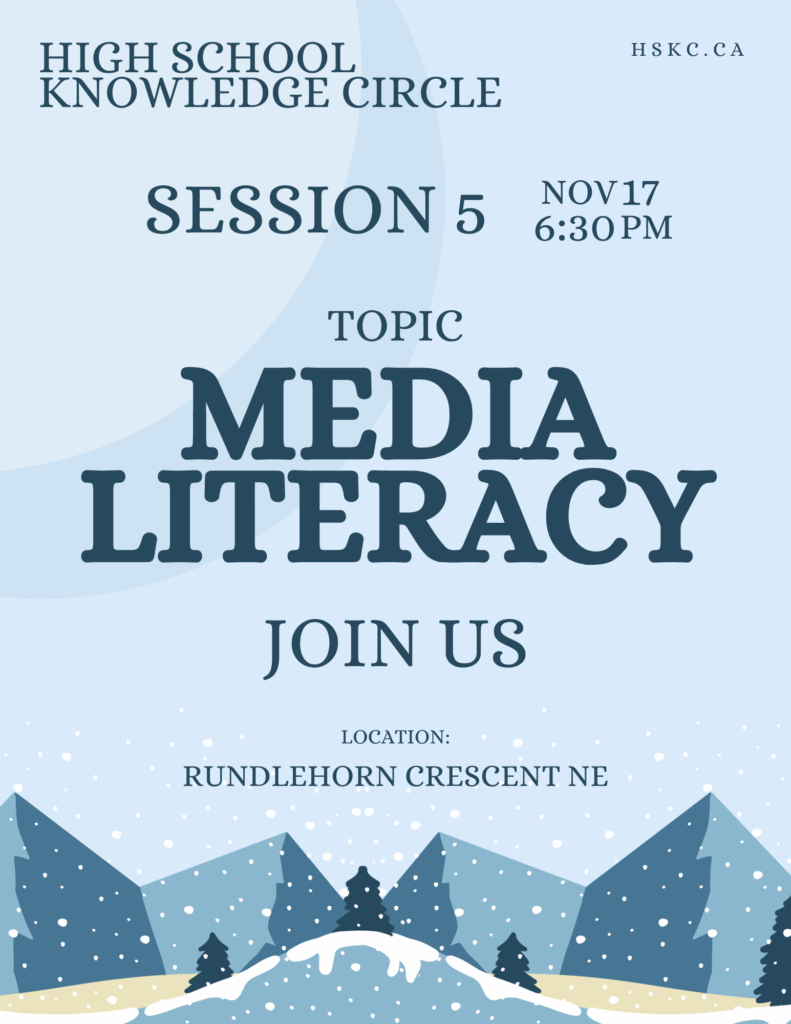
The flyer should include following information:
- Title: “High School Knowledge Circle”
- Session number (optional)
- Date and time
- Location
- Public domain or royalty free (non-copyrighted) images or graphics
Examples